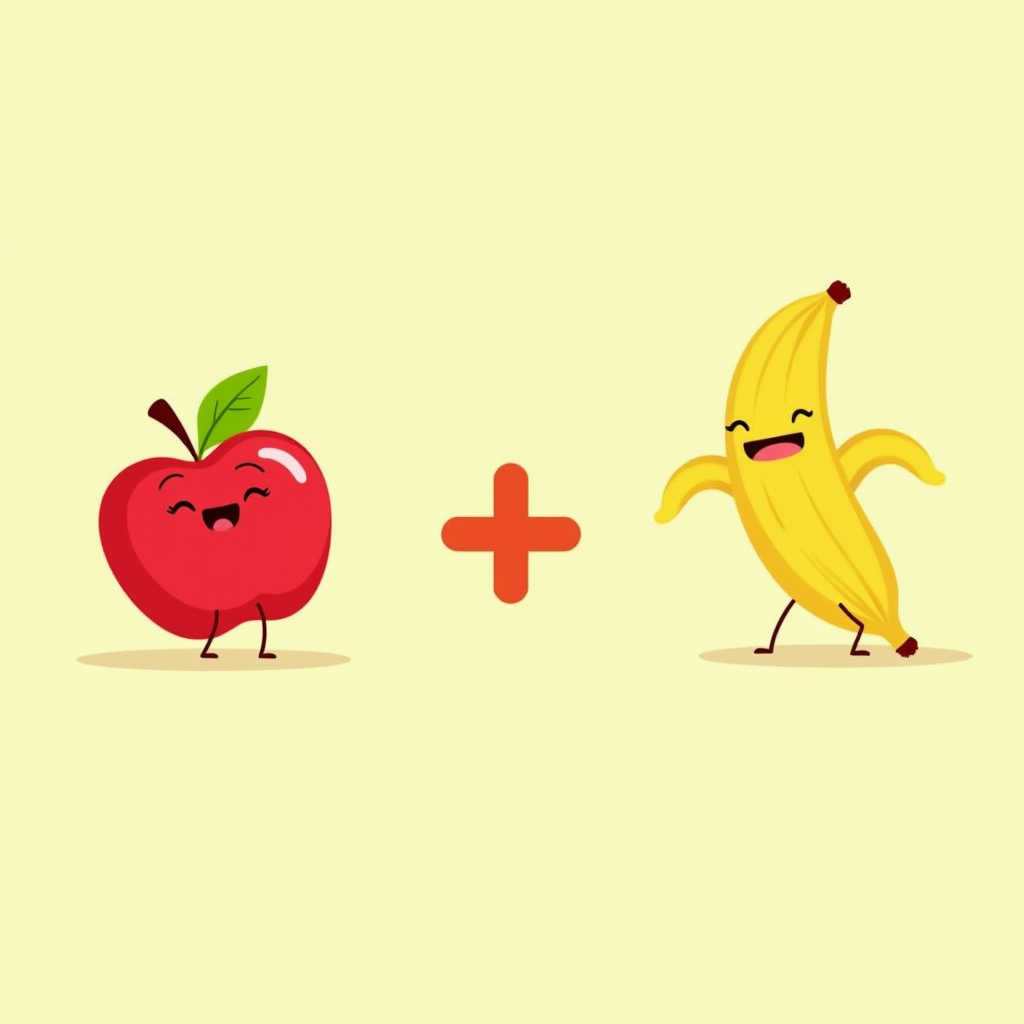
Addition
Pick a number and watch the items drop, pick another, then tap every item to count them and hear the answer.
Colors, letters, numbers, first words and motor skills for ages 1 to 8. Pick a language, tap play, and your child hears every word in it.
Opens in any browser on phone, tablet or computer.
No popups, upsells or accidental purchases mid-play.
Words, names and numbers spoken in English, Spanish or Polish.
Every game is free, runs in the browser and is built for small hands.
Pick a number and watch the items drop, pick another, then tap every item to count them and hear the answer.

Pick colors and brush sizes, paint with a finger or mouse, erase, and flip through pages of pictures.
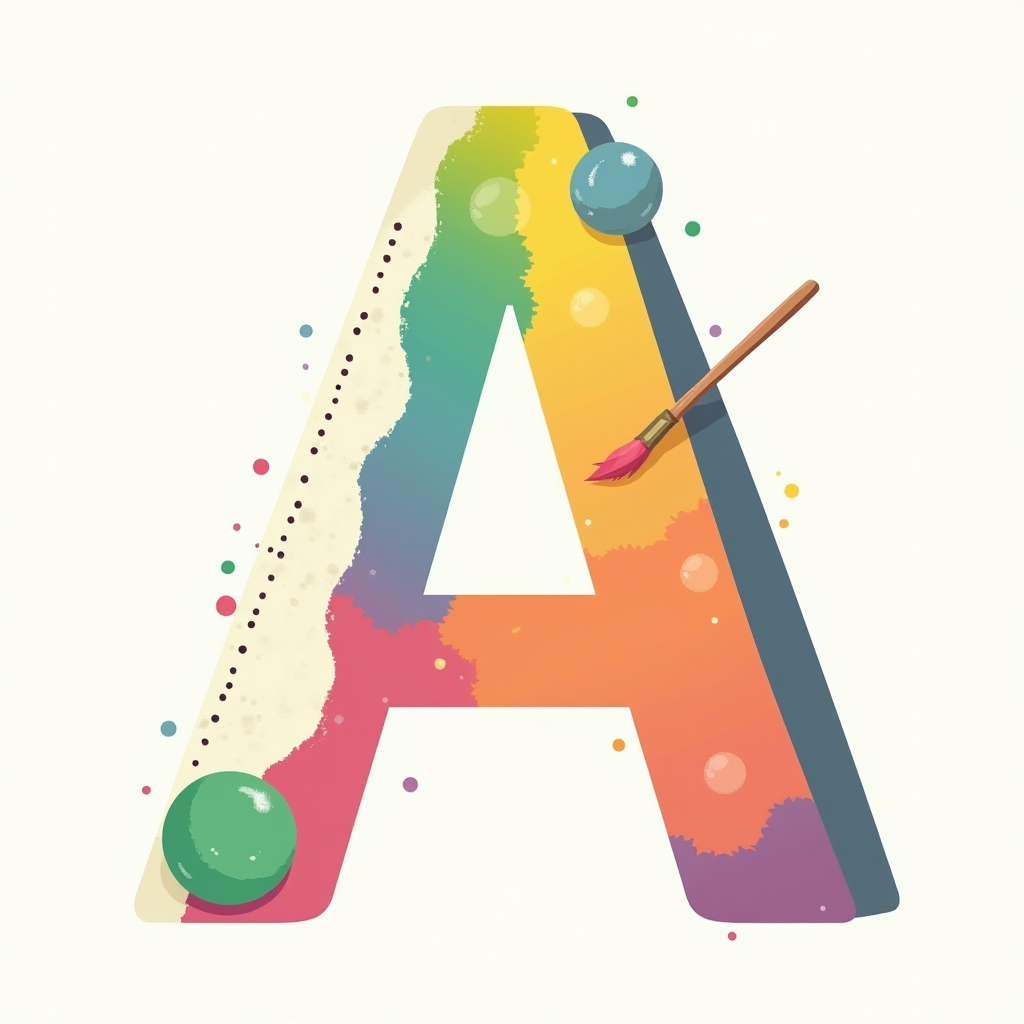
Trace letters A to Z, a to z and numbers 0 to 50. Follow the green start dot and stroke order, and pick any pencil color.
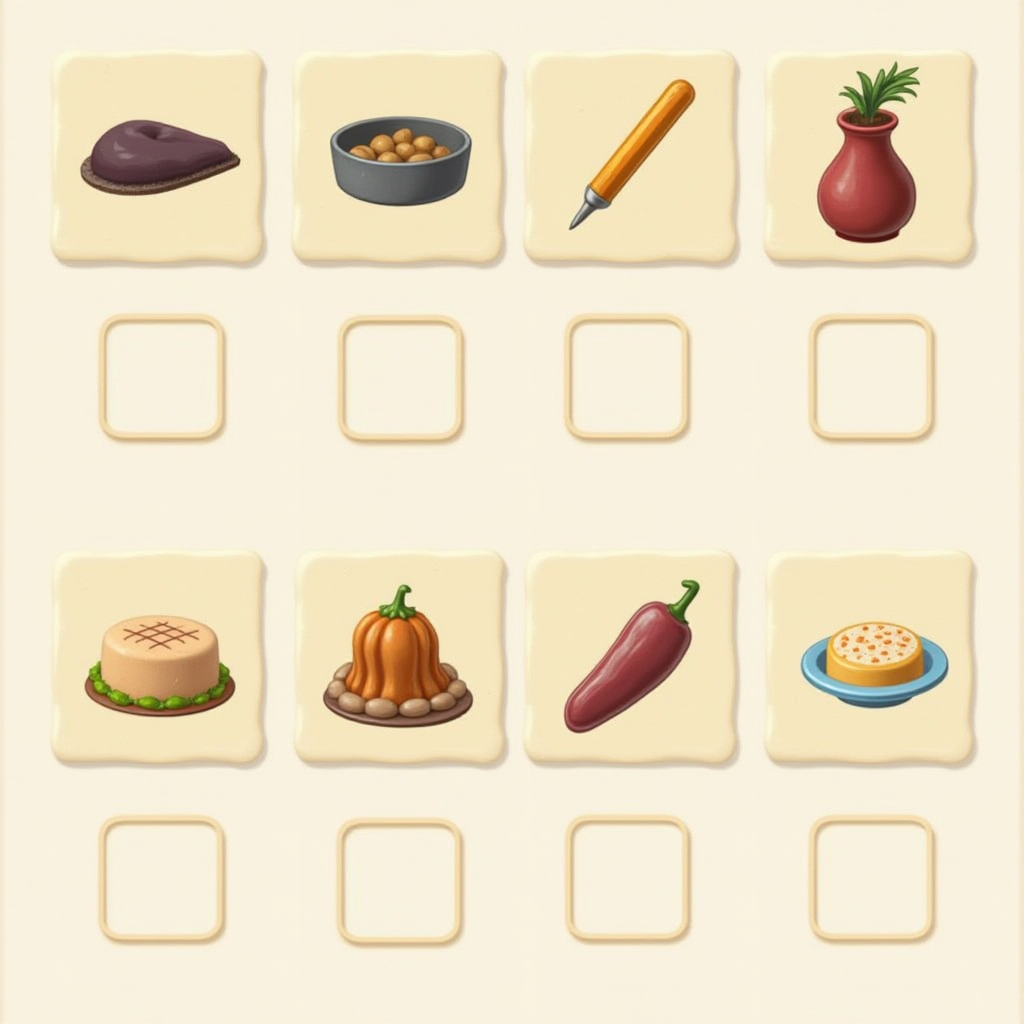
Drag each item into the box where it belongs and hear its name. Difficulty levels grow with your child.
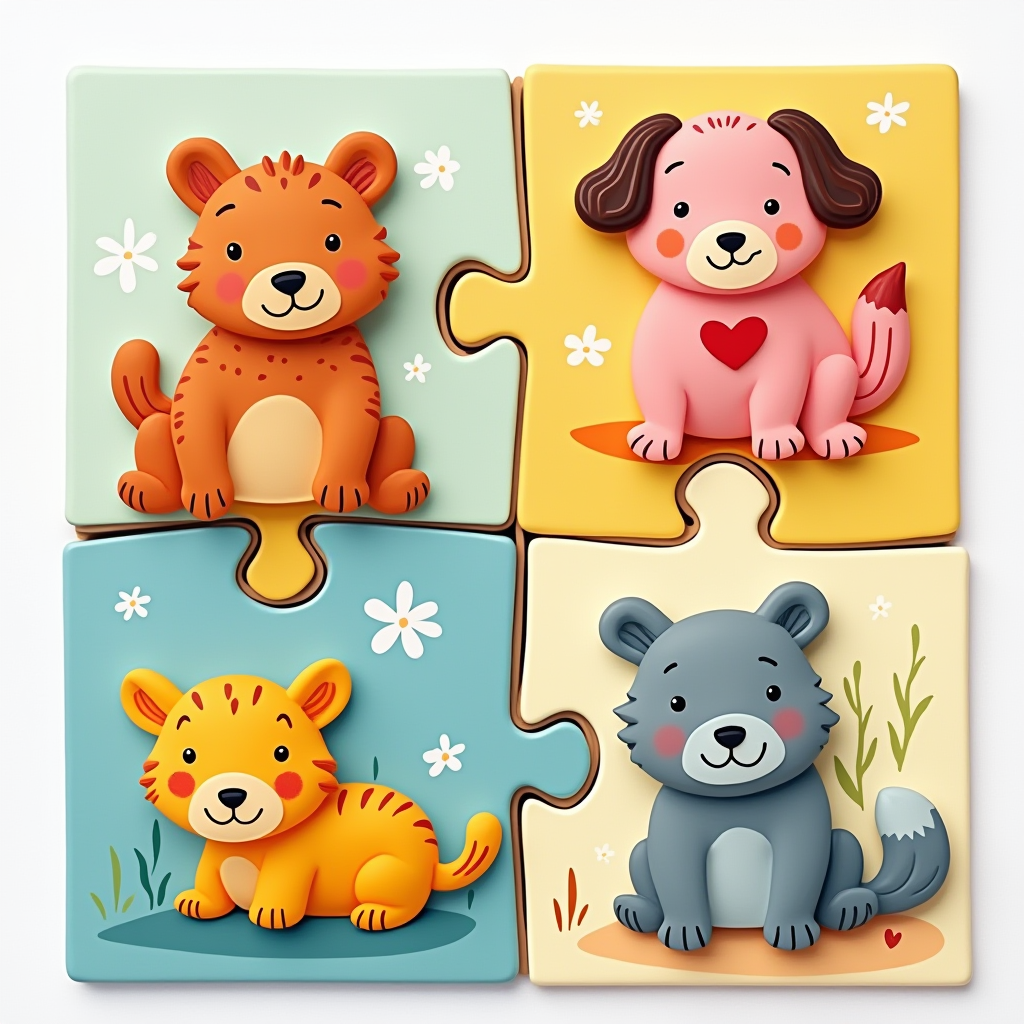
Drag the pieces into place to reveal the picture. Pick a difficulty level from simple to harder.

Pick an animal and tap to hop over obstacles. Levels get harder, and expert mode challenges grown-ups too.

A picture book for parent and child. Swipe through pictures, say each name together and tap the question mark to see the spelling.
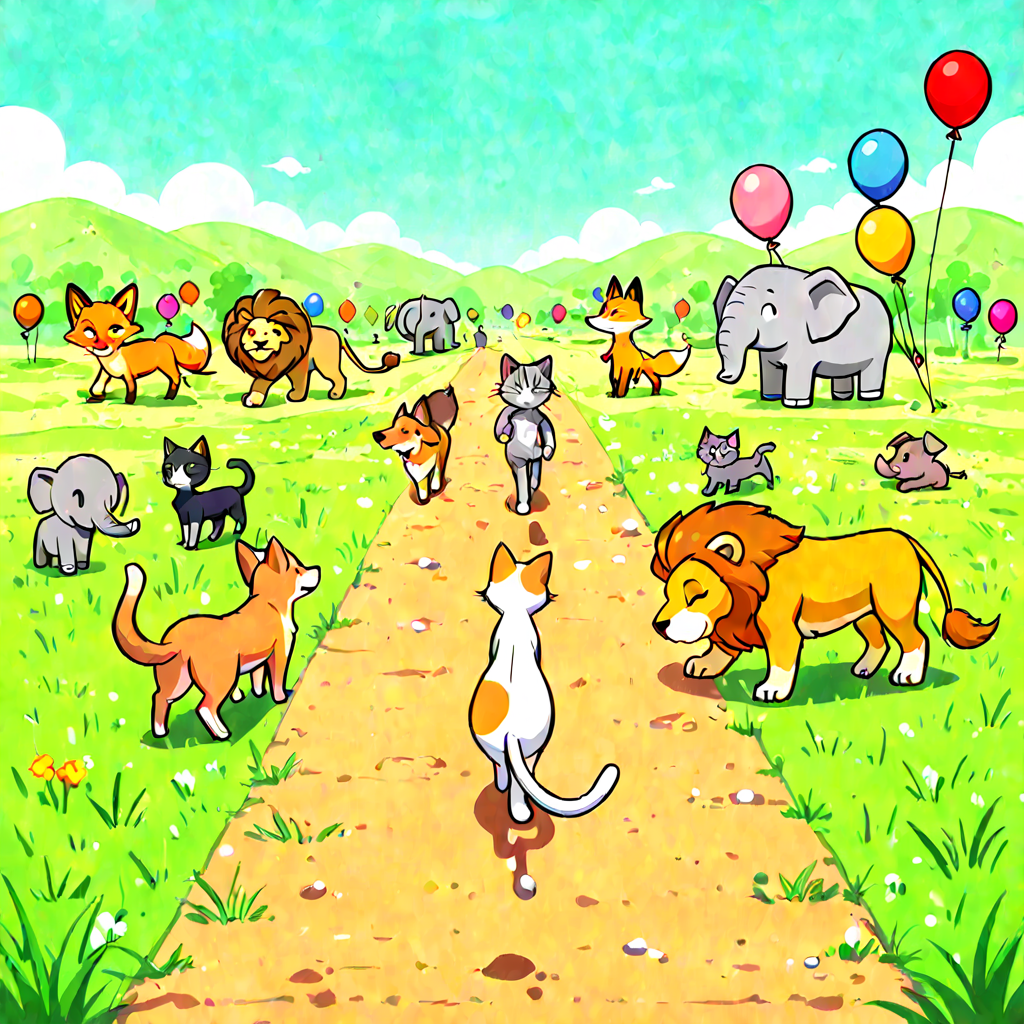
Tap colorful balloons to pop them and watch paint splatter. Animals appear and make their sounds.
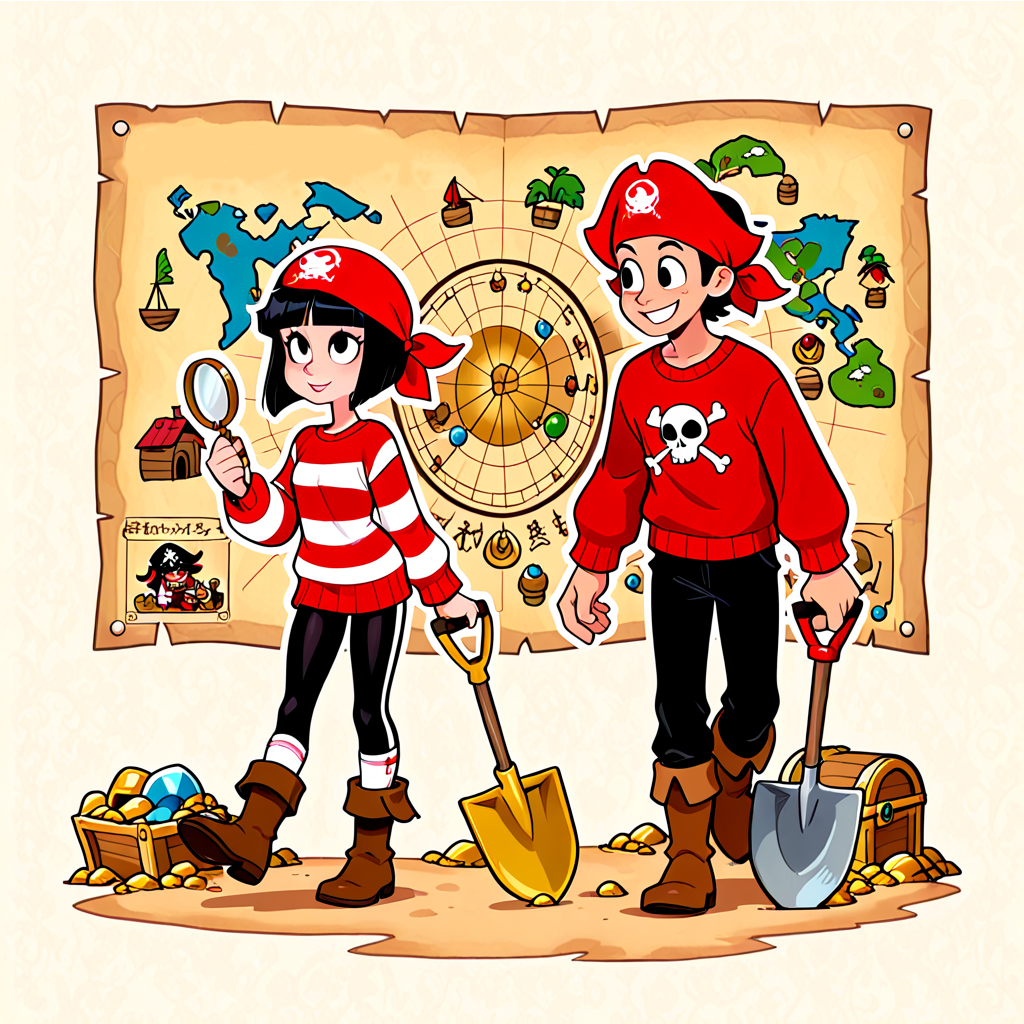
Move around the map with the arrow pad and dig up ten treasures. Each word and number is spoken aloud, with three difficulty levels.
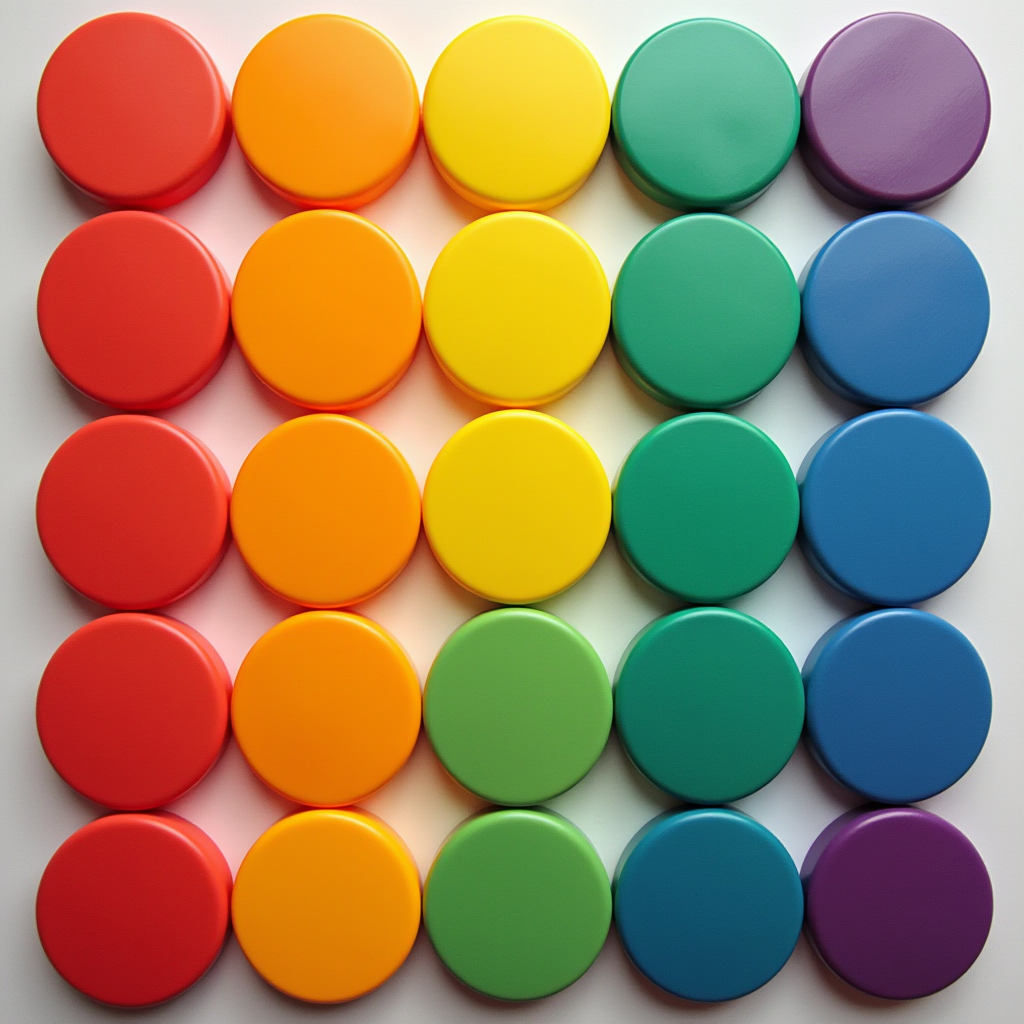
Shuffled colored discs sit on a grid. Drag or tap to swap them until every column holds one color.

Drag, resize and place bats, ghosts, pumpkins and skeletons on a haunted house. Every decoration says its name out loud.
Choose English, Spanish or Polish from the Settings menu. The words, names, colors and numbers in the games are then spoken in that language. What's That also shows the written word. Switch any time, with no account needed.
Click Settings button on top to choose English, Spanish or Polish. Turn background music on or off or turn sounds on or off. These apply to every game.
Tap any game. It loads right in the browser, no install needed.
Every game has its own Settings button for options specific to that game. Play together and say the words along with your child.
We were tired of installing games for our kids only to hit a paywall or get ads mid-play. Five minutes of fun turned into managing popups and blocking accidental purchases. So we built something simpler: open a browser, tap play, done. Games built around how little ones actually learn, through sounds, shapes, numbers, words and hands-on play.
Yes. Every game is free to play in the browser, with no ads, no popups, no paywalls and no downloads.
Seven games speak words, names, colors and numbers in English, Spanish or Polish. You pick the language and the audio plays in it. What's That also shows the written word. Hop Along, Disc Sort and Balloon Pop only use game sound effects, so they work in any language.
The games are made for ages 1 to 8. Most start at age 1 or 2 with simple tapping and dragging, and the alphabet tracing game is best from age 3.
No. Open the site in any modern browser on a phone, tablet or computer and tap play.
Yes. The games are built for tapping, dragging and swiping with a finger, and also work with a mouse.